Aurore

iPhone · iPad · Mac

The paper you read, then close.

Aurore gathers your sources into a daily paper that ends. No bottomless feed, no account to create, no timeline that reloads the moment you reach the end. You read, the last page says “you're up to date”, and the app gets out of the way.

Coming soon to the App Store

Try it here

The paper for Wednesday, August 26

These stories are real, and the grouping you see was computed by the app itself. When six newsrooms cover the same thing, in two languages, Aurore shows one and keeps the others behind the badge. Pick a story.

Serious Eats

The 9 Best Pizza Ovens for Pizzeria-Quality Pies at Home

Our top picks from Ooni and Gozney cook pizza in less than two minutes.

Also covered by

  • Bon AppétitAfter Testing 16 Pizza Ovens, These Are the 5 I Recommend For Perfect Pies at Home (2026)

Six backgrounds and seven typefaces are included; the rest come with the €6.99 pack. One position is missing here, Catch-up: it needs an absence, and tells you in a single thread what happened while you were away.

On your screens

The same thing, where it belongs

One app per platform would have been easier to build. Aurore is a single one: the Mac lays the paper beside the article, the iPhone stacks them, and what you read on one is read on the other.

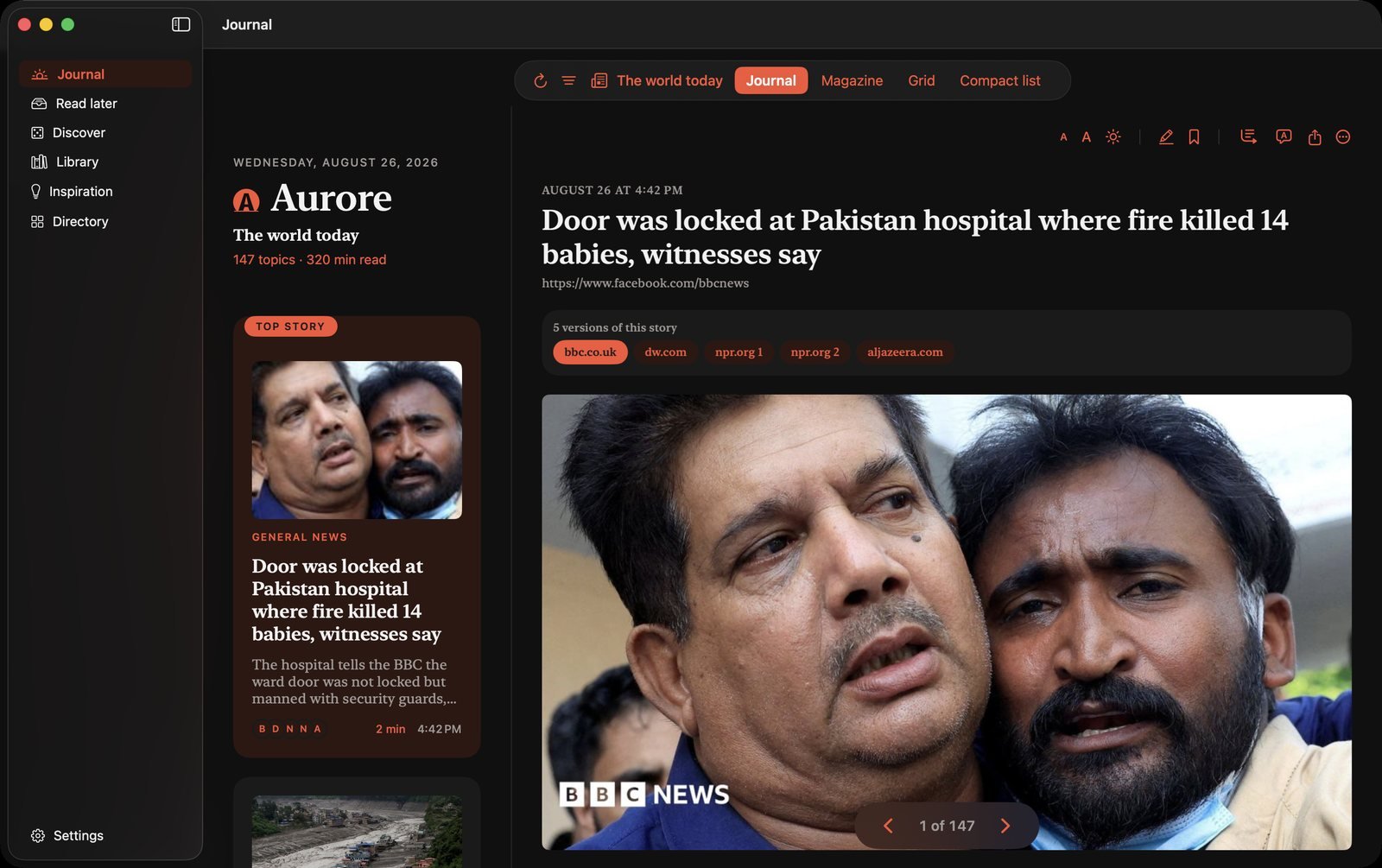
  • Aurore — Paper and article side by side: the list on the left, the reading on the right.
    Paper and article side by side: the list on the left, the reading on the right.
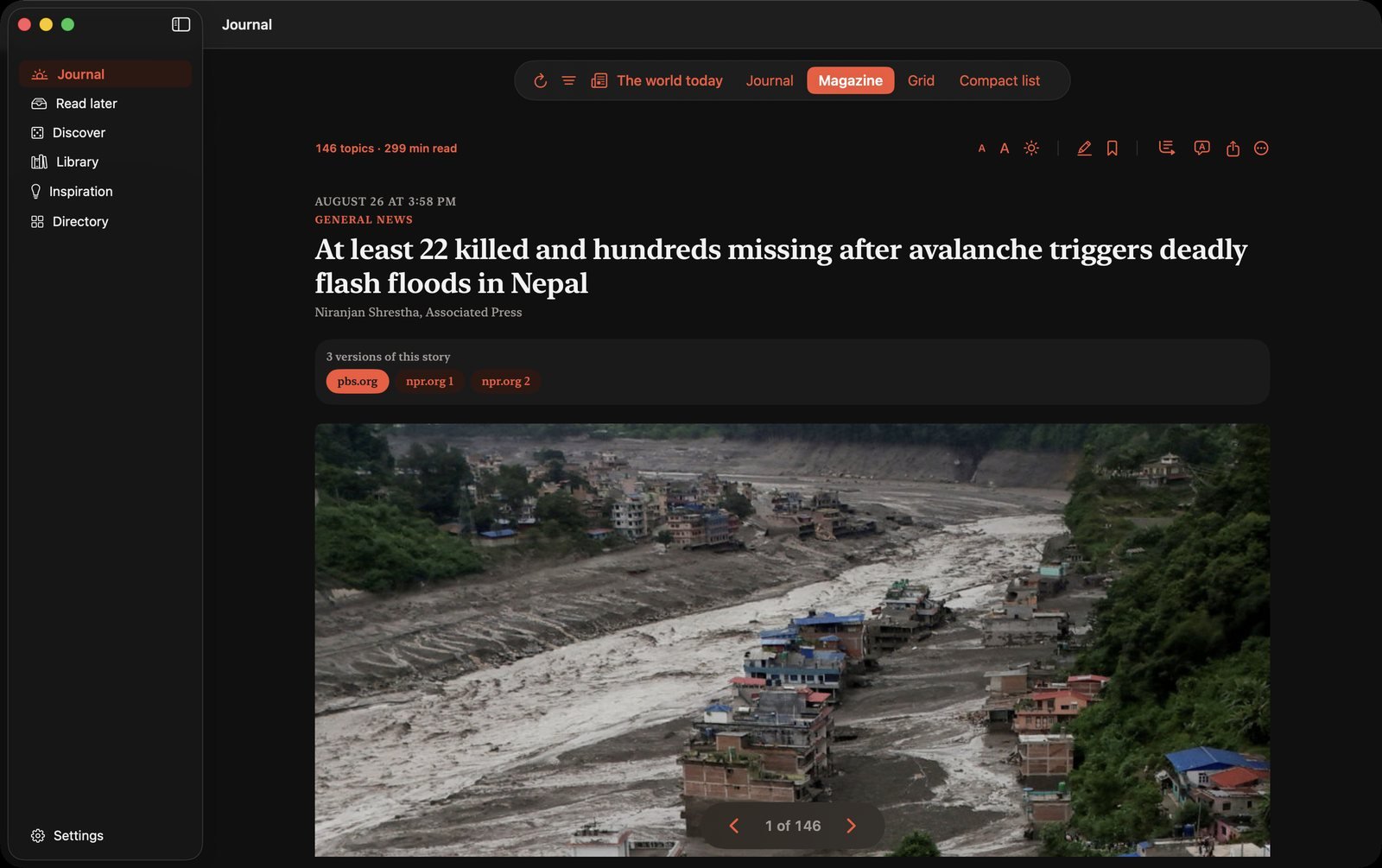
  • Aurore — Magazine: one page per story, turned like a print issue.
    Magazine: one page per story, turned like a print issue.
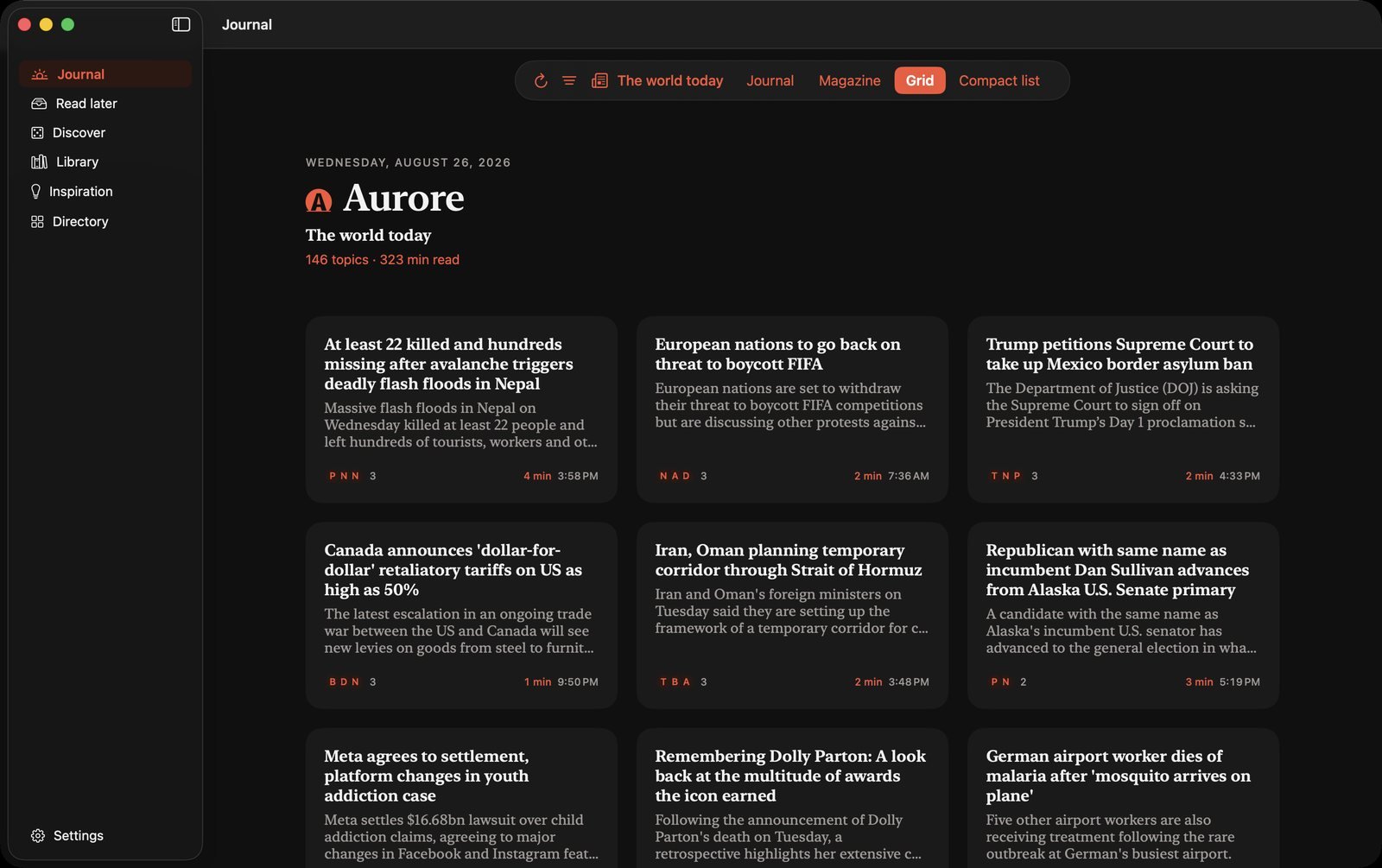
  • Aurore — Grid: three columns to take in the day at a glance.
    Grid: three columns to take in the day at a glance.
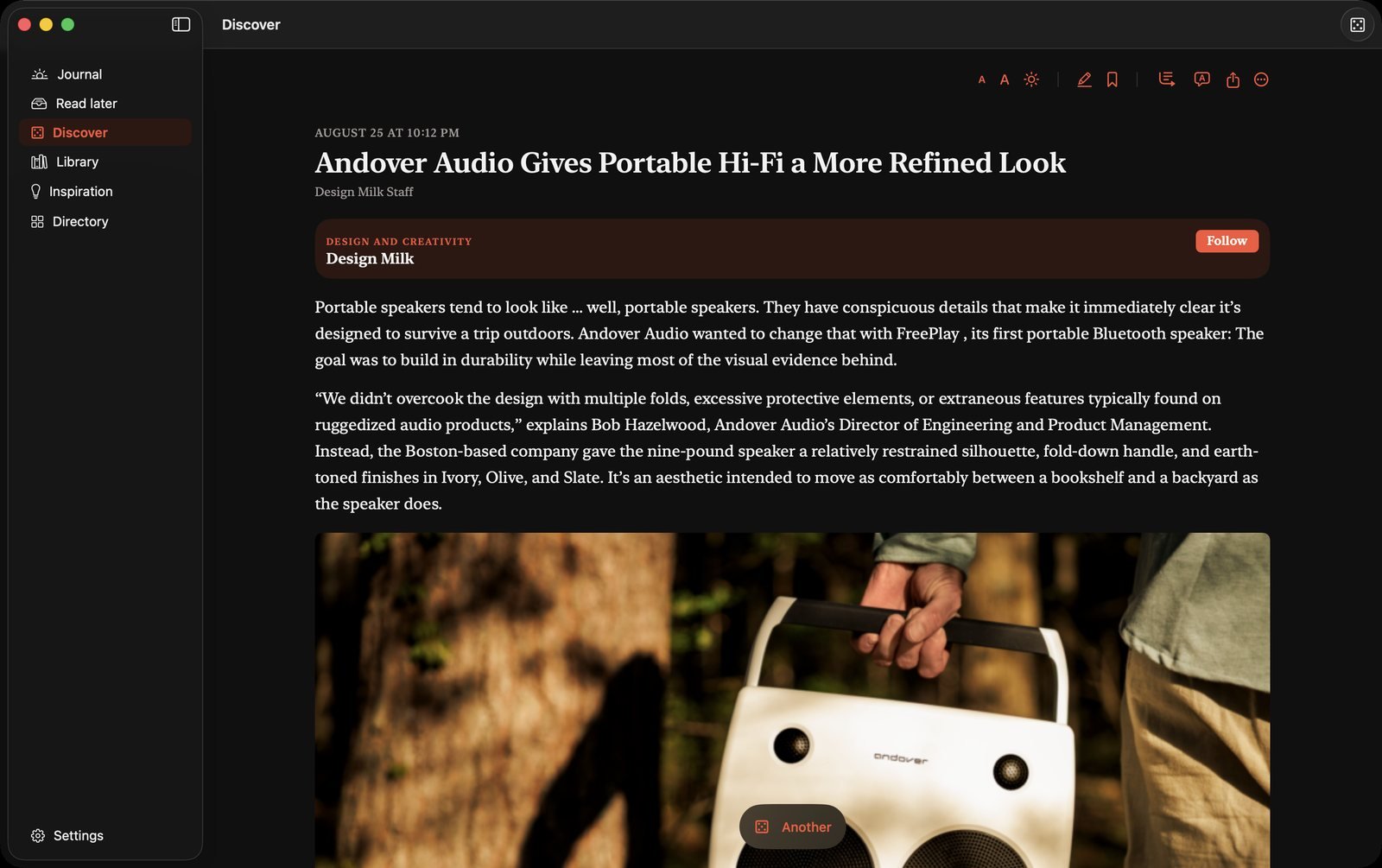
  • Aurore — Discover: a story drawn at random, from outside your sources.
    Discover: a story drawn at random, from outside your sources.

And in your pocket

  • Aurore — Today's paper, one story per card.
    Today's paper, one story per card.
  • Aurore — Magazine: one page per story, turned like a print issue.
    Magazine: one page per story, turned like a print issue.
  • Aurore — The article, lifted out of its page.
    The article, lifted out of its page.
  • Aurore — Highlight, summarise, translate, listen.
    Highlight, summarise, translate, listen.
  • Aurore — The paper filtered: short reads, videos, newsletters.
    The paper filtered: short reads, videos, newsletters.
  • Aurore — Discover: a story at random, from outside your sources.
    Discover: a story at random, from outside your sources.
  • Aurore — Ready-made papers, adopted in one tap.
    Ready-made papers, adopted in one tap.
  • Aurore — Twelve backgrounds, thirty typefaces.
    Twelve backgrounds, thirty typefaces.

One story, once

The same wire story turns up at four sources during the day. Aurore recognises it by its content — not its headline — and shows one, even when it has been translated. The other versions stay behind the badges of the newsrooms that covered it.

The whole article

Most feeds only hand over a standfirst. Aurore fetches the page and pulls the text out of it, set like the rest of the paper. For sites you subscribe to, the built-in browser keeps your session.

Three positions, not thirty settings

Essentials keeps only what several sources judged worth covering. Everything shows it all. Catch-up tells you in a single thread what you missed while you were away.

Nothing leaves the device

Your sources, your settings, what you have read: it all stays with you, synced between your devices through iCloud. Aurore's server does not know who you are, because there is no account to know.

Legible when eyesight fades

A stronger-contrast setting turns the ink pure black or white, thickens the text and asserts the rules, across the whole app. Two high-contrast backgrounds — black on white, white on black — stay free: this is accessibility, not decoration. Text size, typeface and background all change while you read, from the article menu.

What you will read later

An extension for Chrome and Firefox sends the page you are reading into Aurore, in one click. It waits for you there, lifted out of its page, with the rest of the paper — and it travels between your devices like everything else.

Your newsletters, out of the inbox

Aurore collects your mail, tells newsletters from the rest, and files them in the paper. Social network notifications stay outside. Once read, the letter goes to the bin; a button in the article unsubscribes you from Aurore without touching your subscription.

Videos too

A YouTube, Dailymotion or PeerTube channel is followed like a paper, and the video plays inside the article. Bluesky and Mastodon come in the same way: a thread of six posts becomes an article, without the replies and without the like counter.

Your papers, not just one

The morning, work, a story you are following: each gets its own paper, each one finite. An article read in one is read in all. Ready-made selections give you one from the start.

Four ways through it

Paper, magazine, grid or list: the same material, laid out the way you read it best. The setting follows the paper, not the app.

What you want to keep

Highlight a passage and it stays. The library gathers what you set aside and what you highlighted, and the archive keeps past papers, day by day.

The colour that suits you

Eight tints for controls and section names — the original red, orange, peach, pink, purple, blue, green, yellow — each measured to stay legible on every background. A reading background brings its own: terminal turns the app green, coffee turns it orange. Settings let you decide otherwise.

What you needed to know first

A three-sentence summary, and if you are joining a story mid-way, three lines of background. The work happens on your device: nothing you read goes anywhere.

€9.99 once

Aurore for life, with every function. No subscription: nothing renews, nothing needs cancelling, and you will never think about it again.

€6.99 if you feel like it

Six more reading backgrounds and twenty-three more typefaces, sold separately — the ones you have just tried above. The whole app works without them, and says so plainly.

Free, with no time limit

Twenty sources, one themed paper, seven days of archive — and all the rest: the deduplication, the summaries, the newsletters, the widgets. A morning paper takes more than a fortnight to become a habit; we leave you the time.

No advertising, ever

Aurore lives on what you pay, which explains the rest: no tracking to resell, no feed to stretch out, no reason to keep you here.

An app you forget

The paper arrives at the hour you chose. It has a length, a beginning and an end, and it tells you how long it will take. It is the opposite of an application trying to hold on to you.